
Make your pet talk in your own voice
Updated · Talking Pet App
Yes. In the voice step, record yourself in the browser or upload an audio or video file, and the AI moves your pet's mouth to your words. Up to 15 seconds are used. Your voice isn't cloned: the pet speaks with exactly the recording you give it, and the recording is deleted within 30 days.
Step by step
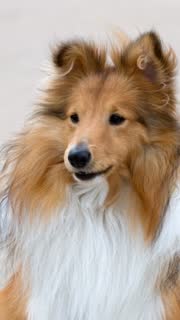
- Upload one clear photo of your dog or cat. Photos of your own pet only (dog, cat, rabbit, bird, hamster and more), one pet per photo.
- In the voice step, choose Record and say the line (up to 15 seconds), or choose Upload and pick an audio or video file.
- Play it back. Record again if you like.
- Pay $4.99 for the video, or use credits, and download the MP4 a few minutes later.
Tips for a good recording
- Speak close to the phone in a quiet room.
- Leave out long pauses: the mouth stays shut while there's no sound.
- Funny voices work. Speak as your pet would.
- Longer than 15 seconds? Only the start is used, so put the best line first.
What we do with your voice
We use the recording only to make your video. Like your photos, it is deleted automatically within 30 days, and you can delete the video sooner in My videos. We don't clone voices or train on them.
Related
- Talking Pet App
- How to make your dog or cat talk from a photo
- How to make your dog sing Happy Birthday
- How to make your cat talk (talking cat video from a photo)
- Is there a free talking pet app?
- Talking pet apps compared
- Can ChatGPT make my dog talk in a video?
- Which pet photos work for a talking pet video?
- Talking pet video not working? Fixes